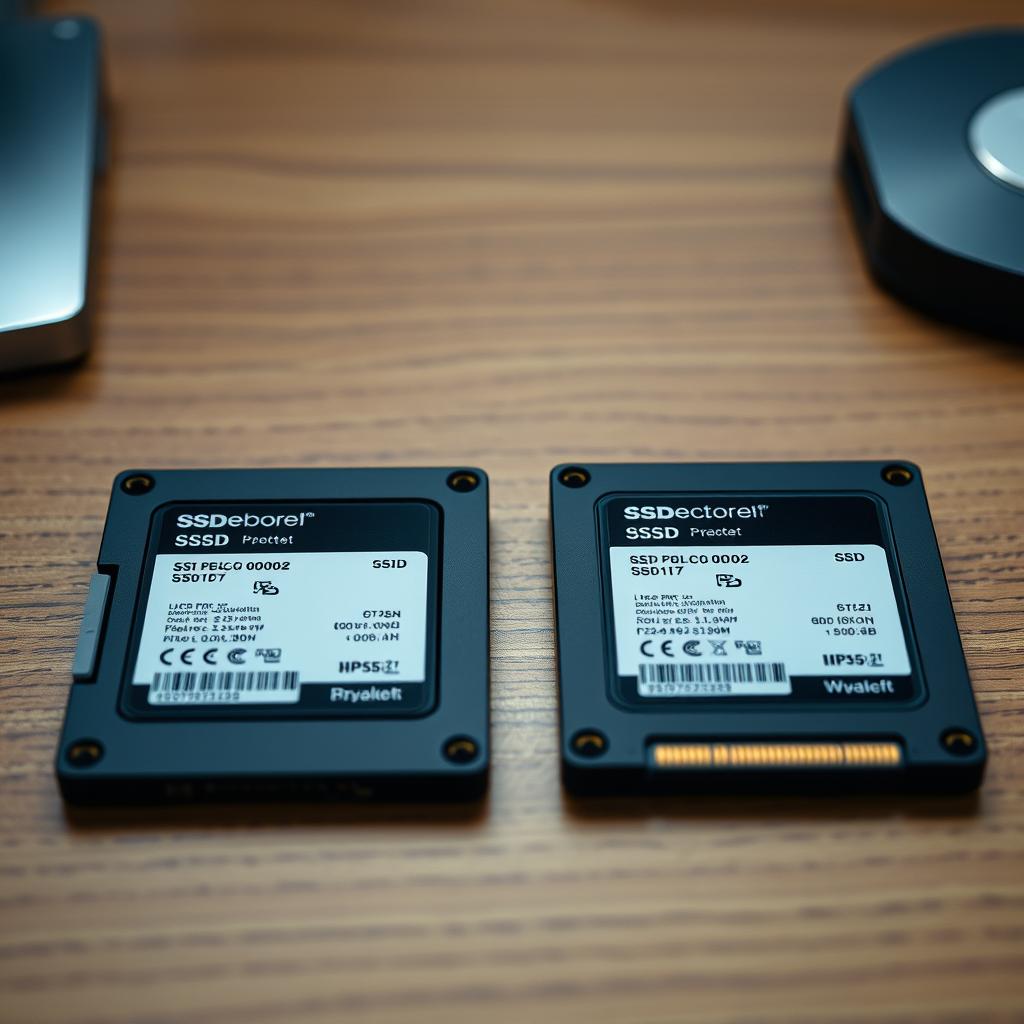
My 250GB SATA SSD Wasn't E-Waste—It Was a Lifesaver for Dual-Booting and Risky Testing
At a glance:
- A 7-year-old 250GB SATA SSD became indispensable for cleanly isolating Windows 11 testing without disrupting a primary Windows 10 setup
- It served as a low-risk sandbox for beta updates, untrusted software, and aggressive system utilities
- Future plans include converting it into a recovery drive or portable external SSD using a $10 enclosure
The Long Slumber of a SATA SSD
For years, my 250GB Samsung 860 EVO sat idle in a drawer, a relic from my pre-NVMe era. Purchased in 2018 for around $60—a steep price for that capacity at the time—it had once transformed my desktop experience with its snappy boot times and near-instant file access. Back then, spinning HDDs dominated my machines, and SSDs were still a luxury. When NVMe drives finally crossed the affordability threshold, I upgraded to a 1TB WD Blue SN550 Gen3, then later to a Gen4 drive, stacking up to 2TB of ultra-fast storage. The SATA SSD, now dwarfed in speed and capacity, became functionally obsolete in my daily workflow.
The decision to keep it wasn’t purely sentimental. Selling it would’ve meant minimal return for the hassle of listing, shipping, and negotiating. More importantly, I recognized its latent utility: even at 250GB, it was robust enough to host a full OS, especially if the workload was constrained and predictable. Rather than discard it, I tucked it away as a contingency—until the right use case emerged. That moment came not with a bang, but with Microsoft’s push toward Windows 11’s mandatory TPM 2.0 and secure boot requirements, which made clean, isolated installations increasingly appealing for developers and reviewers.
Why Windows 11 Needed Its Own Drive
I swore off Windows 11 for years—partly out of principle, partly due to legitimate performance concerns on aging hardware. Like hundreds of millions of users, I stayed on Windows 10 well into its end-of-life phase, relying on Extended Security Updates (ESUs) to keep my system patched. But as a tech writer covering Microsoft ecosystems, ignoring Windows 11 wasn’t an option. I needed to test features, capture accurate screenshots, and evaluate user feedback without contaminating my production environment.
Dual-booting directly on my NVMe drive was a non-starter. Fast Boot, a Windows power-saving feature, famously causes boot conflicts in multi-OS setups, often leaving one OS unbootable or corrupting shared partitions. I’d previously endured a nightmare where a Windows 10 update overwrote a Linux bootloader, and I wasn’t eager to repeat history. Installing Windows 11 on a separate SATA SSD sidestepped these risks entirely: no partition resizing, no bootloader hijinks, and no risk of accidental data loss on my primary drive.
A Sandbox That Paid Dividends
Beyond cleanly isolating Windows 11, the SATA SSD evolved into a controlled testbed for high-risk operations. I used it to validate beta updates—some of which bricked systems in earlier test cycles—without jeopardizing my main setup. Security tools like aggressive PC optimizers, registry cleaners, and experimental antivirus suites found their proving ground here. Even untrusted software from obscure GitHub repos or indie developers got vetted on this drive before any real-world deployment.
This isolation had secondary benefits. My primary NVMe SSD retained its pristine state, with minimal fragmentation and near-maximum write endurance. Meanwhile, the SATA SSD absorbed the wear-and-tear of constant re-imaging and partition resets. Given that SATA SSDs typically have lower TBW (terabytes written) ratings than NVMe counterparts, this was actually a smart allocation of hardware lifespan. The drive’s slower sequential speeds (around 550MB/s) mattered little for OS boot, light browsing, and development tasks—only raw boot time and responsiveness suffered slightly, which was an acceptable trade-off for stability.
The Road Beyond Windows 11
Even as I delay my full migration to Windows 11, I know the writing is on the wall. Once Microsoft ends ESU support and patches cease, running Windows 10 will become a security liability. At that point, the SATA SSD’s role as a Windows 11 sandbox will expire—but its utility won’t. I’m already planning three concrete next steps.
First, it will become a bootable recovery drive. With tools like Ventoy, I can pack multiple lightweight OS images—such as Hiren’s BootCD PE, KDE Neon, or even a minimal Arch install—onto the 250GB drive. This would let me recover corrupted systems, recover lost files, or run diagnostics without relying on external cloud tools or borrowed hardware. Given Windows 11’s reported instability in certain hardware configurations (especially on older Ryzen or Intel 12th-gen CPUs), having a known-good recovery stack is non-negotiable.
Second, I’ll slot it into a SATA-to-USB 3.2 Gen 1 enclosure (~$10) to create a portable external SSD. While 250GB is tight for modern media, it’s perfect for carrying video reels, ISO images, or game backups between machines—especially since USB 3.2 Gen 1 still delivers ~400MB/s, making it usable for time-sensitive transfers. It’s also ideal for offsite backups of configuration files or encrypted project folders, adding redundancy to my 3-2-1 backup strategy.
Third, and more ambitiously, I may repurpose it as a dedicated media server cache or NAS scratch space. With LibreELEC or OpenMediaVault installed, the drive could accelerate file serving or act as a write buffer for my Synology NAS, reducing latency on high-frequency read/write operations like photo indexing or Docker container updates.
The Hidden Economics of Repurposing
There’s a broader lesson here about hardware sustainability and cost avoidance. My original 250GB SSD cost $60 in 2018 dollars—roughly $85 adjusted for inflation. Had I trashed it in 2020 when NVMe became mainstream, I’d have wasted that sunk cost and added unnecessary e-waste to landfills. Instead, by repurposing it, I effectively reduced the total cost of ownership for my Windows 11 evaluation to near zero.
This aligns with a growing trend in DIY computing: the “just-in-time hardware reuse” model. Rather than chasing the latest specs, users are optimizing their existing inventory for multi-role use cases. Even entry-level SSDs retain 2–3 years of usable life after being superseded in top-tier builds. For startups, educators, and hobbyists, this extends hardware lifespans and lowers entry barriers—without sacrificing performance where it matters most.
The Enduring Value of SATA in an NVMe World
SATA SSDs aren’t obsolete—they’re just specialized. While NVMe dominates for primary storage, SATA’s enduring strengths—compatibility, lower power draw, and predictable latency—make it ideal for secondary roles: boot drives for legacy systems, embedded appliances, or write-heavy logging tasks where sustained throughput matters less than reliability. Even in 2026, SATA remains the go-to for industrial IoT, kiosks, and thin clients.
This duality—SATA for function, NVMe for flair—is likely to persist as PCIe 5.0 and 6.0 drives push beyond 10GB/s, widening the performance gap. But for most users, the sweet spot lies in hybrid storage: a fast NVMe for the OS and active projects, and a SATA SSD for everything else. The economics are compelling: a $30 500GB SATA SSD still delivers 90% of the boot responsiveness of a $150 NVMe, while preserving the latter’s endurance for heavy workloads.
Final Thoughts: Hardware Has Memory
My old SATA SSD taught me that hardware isn’t just about specs—it’s about context. What was once “too slow” became “just right” when recontextualized. That 250GB drive didn’t just save me from dual-boot chaos; it gave me peace of mind, environmental benefit, and a tangible return on a years-old investment. In a world obsessed with obsolescence, it’s a reminder that the most valuable hardware is often the hardware you already own—if you’re willing to rethink how it fits into your ecosystem.
FAQ
Why is dual-booting Windows 10 and 11 on the same NVMe drive problematic?
Can a 250GB SATA SSD still be useful in 2026?
How do you safely repurpose an old SSD for a recovery drive?
More in the feed
Prepared by the editorial stack from public data and external sources.
Original article