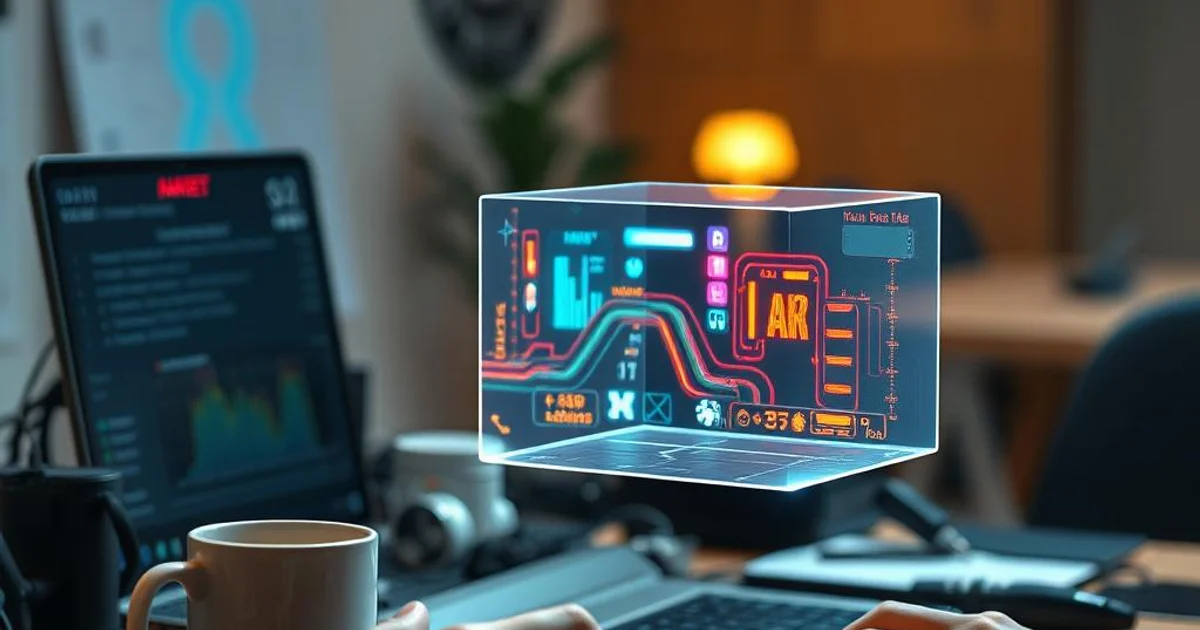
Raspberry Pi project uses pepper's ghost illusion for holographic display
At a glance:
- Raspberry Pi 5, a camera, a square screen and a beam‑splitter cube create a Pepper’s Ghost holographic display using the open‑source OpenGhost software.
- The setup functions as a floating media player and clock, with the illusion of a floating image that can be viewed from the front.
- Future modifications aim to add a local AI assistant, Winamp‑style visualizers and even run Doom on the holographic screen.
What the project is about
The Raspberry Pi community has long been a hotbed for creative DIY hacks, and a recent post on the r/raspberrypi subreddit showcases a particularly eye‑catching build. User silvercoated1 combined a Raspberry Pi 5, a compatible camera module, a small square LCD screen and a glass beam‑splitter cube to recreate the classic Pepper’s Ghost illusion. The result is a low‑cost, home‑brew holographic display that appears to float in mid‑air.
OpenGhost, the open‑source software that powers the display, runs directly on the Pi and handles video output, timing and image reflection calculations. By routing the screen’s image onto the angled glass, the viewer sees a semi‑transparent “ghost” that can show videos, clocks or static graphics. The entire build is documented on a GitHub repository, making it reproducible for hobbyists with basic soldering and wiring skills.
How the illusion works
Pepper’s Ghost dates back to the 19th‑century theater, where a sheet of clear glass placed at a 45‑degree angle reflected a brightly lit off‑stage object, creating the impression of a spectral figure onstage. Modern makers replicate the effect with a glass or acrylic beam‑splitter cube and a flat display. The viewer looks directly at the glass; the reflected image appears to hover where the glass is, while the actual screen remains hidden from sight.
In this Raspberry Pi implementation, the square screen sits beneath the beam‑splitter, displaying the content upside‑down. The cube reflects the image toward the viewer, while a camera module can capture gestures or facial expressions for interactive applications. The simplicity of the optics means the illusion works without any specialized holographic hardware.
Building the setup
The hardware list is straightforward:
- Raspberry Pi 5 (4 GB or 8 GB model)
- Raspberry Pi Camera Module v2 (or compatible)
- 5‑inch square LCD screen with HDMI input
- Glass beam‑splitter cube (45° angle, typically 2‑inch size)
- Power supply (5 V 3 A for Pi, additional 12 V for screen if required)
- Miscellaneous wiring, mounting brackets and a 3D‑printed or laser‑cut enclosure
The GitHub README walks users through wiring the HDMI output to the screen, positioning the cube, and installing OpenGhost via a simple git clone and pip install -r requirements.txt. Once the software is running, the Pi can loop media files, display a clock face, or render custom animations.
Planned upgrades and community interest
Silvercoated1 isn’t stopping at a static media player. The roadmap includes adding a local AI assistant that would appear as the iconic Zordon from Power Rangers, complete with voice interaction. There are also plans for Winamp‑style visualizers that react to music, modular expansion slots for additional sensors, and eventually, a full‑screen Doom demo that runs directly on the holographic plane.
These ambitions highlight a broader trend: hobbyists are turning classic theatrical tricks into interactive smart‑home devices. By leveraging the Pi’s processing power and the flexibility of open‑source code, the community can experiment with AI, gaming and IoT integrations without needing proprietary hardware.
Why it matters for makers and educators
Beyond the novelty factor, the project serves as an educational platform for optics, computer graphics and embedded programming. Schools can use the build to demonstrate principles of reflection, angles and image processing, while makers gain hands‑on experience with Linux‑based media pipelines. The low entry cost—well under $150 for all components—makes it accessible to a wide audience, potentially inspiring the next generation of hardware hackers.
The open‑source nature of OpenGhost also encourages collaboration: contributors can fork the repo, add new codecs, improve latency handling, or integrate voice‑controlled assistants. As more users share their custom skins and applications, the ecosystem could evolve into a versatile holographic display platform for everything from digital signage to immersive art installations.
FAQ
What hardware is required to build the Raspberry Pi Pepper’s Ghost hologram?
How does the OpenGhost software create the floating image?
What future features does the creator plan for the holographic display?
More in the feed
Prepared by the editorial stack from public data and external sources.
Original article